Relaxing Nature Obby Controls
Master jump cadence, camera control, and device-specific setups for cleaner parkour.
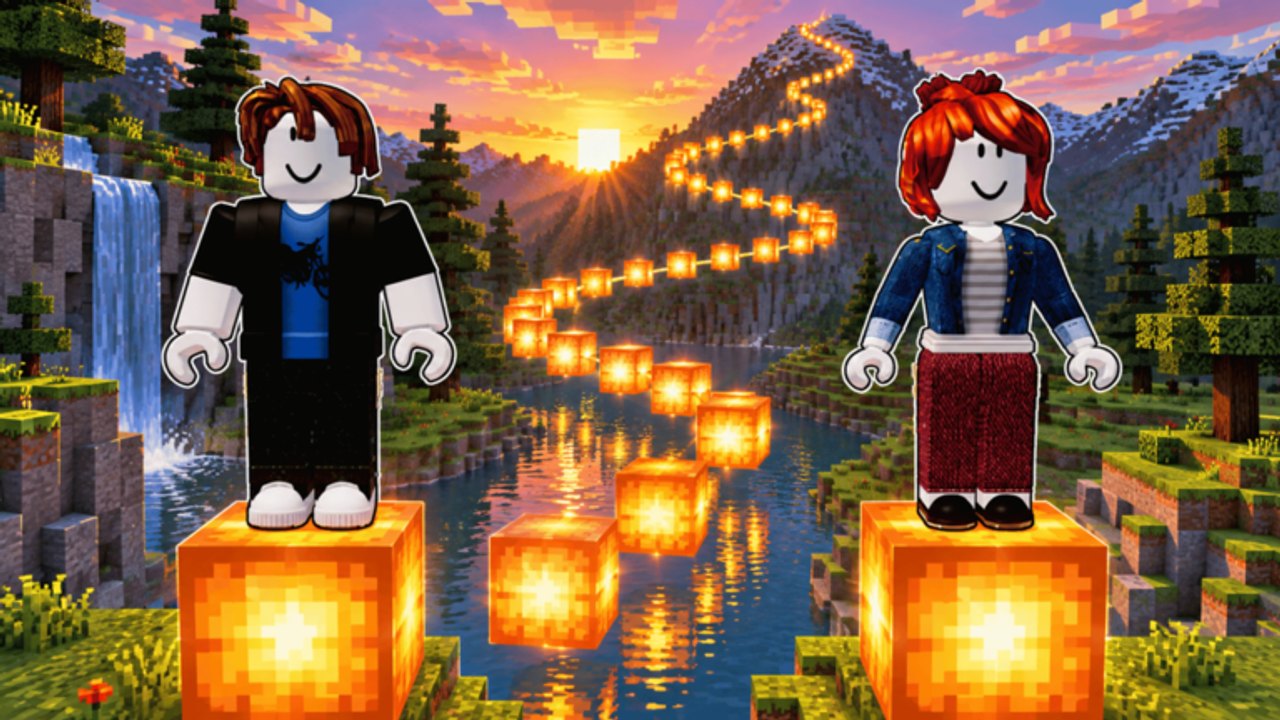
Clean movement is the difference between a relaxing session and a frustrating one in Relaxing Nature Obby. This controls guide explains how to jump, look, and recover on PC, mobile, and console inside Roblox, with tips tuned to forest warm-ups, snowy mountain precision, and sunset showcase routes. Pair it with Getting Started if you have not spawned in yet.
Core actions (all platforms)
| Action | What it does in this obby |
|---|---|
| Move | Walk/run across satisfying blocks and checkpoints |
| Jump | Primary parkour input—timing matters more than spam |
| Camera look | Line up the next landing before you leave the current block |
| Pause / Roblox menu | Leave server, adjust volume, report players |
Roblox supplies the base control map; Relaxing Nature Obby layers ASMR jump feedback and nature staging on top. If a jump feels “wrong,” check latency and camera first, not imaginary hidden tech.
PC controls and habits
- WASD + Space remain the default. Use Space once per gap; mashing Space teaches bad timing for mountain ledges.
- Mouse look should be smooth. Lower sensitivity until you can track a distant sunset platform without overshooting.
- Shift-lock (if enabled in Roblox settings) helps keep movement aligned with camera on thin beams. Toggle it off for casual screenshot walks.
- Fullscreen reduces accidental clicks outside the window mid-jump.
- Mute noisy browser overlays; this experience wants you listening to jump SFX—see ASMR Tips.
PC drill
Spend two minutes on the first forest blocks doing intentional single jumps only. Count “one-and” between landings. When that rhythm feels natural, move to longer gaps.
Mobile controls and habits
- Keep the jump button reachable with your right thumb without covering the next platform visually.
- Use a lighter touch on the virtual joystick; heavy thumbs drift off narrow mountain pieces.
- Rotate to landscape for wider scenic foresight on sunset stages.
- Disable unnecessary on-screen recorder buttons that steal taps.
- If the jump button lags, leave high-ping servers—max 60 players can stress busy instances.
Mobile drill
Practice jumping to a block you can already see without dragging the camera mid-air. Mid-air camera flicks are the top cause of phone fails here.
Console controls and habits
- Jump on the face button your Roblox preset uses (often A / Cross).
- Ease right-stick sensitivity; console players often run sens that is fine for combat games but harsh for precision obbies.
- Use a wired or low-latency wireless kit when possible so ASMR audio and input stay aligned.
- Sit closer to the screen for snowy stages with darker edge contrast.
Camera philosophy for nature biomes
- Forest: Keep the camera slightly elevated to see staggered greens ahead.
- Mountain: Pull a bit tighter so icy edges stay readable; avoid extreme FOV that warps depth.
- Sunset: Give yourself wider framing for beauty, but tighten again before precision gaps.
Between biomes, stop on a safe checkpoint and reset camera distance. Tired camera habits cause more resets than hard geometry.
Jump timing without scripts
Legitimate play does not need Infinite Jump or Fly GUI. Focus on:
- Jumping from the front third of a block when the next gap is long.
- Waiting a half-beat after landing before the next hop when blocks are uneven.
- Walking to the edge instead of sprint-jumping blindly on first attempts.
When you want a structured clear order, open How to Complete. Difficulty context for each world sits on Worlds.
Troubleshooting movement issues
| Problem | Likely cause | Fix |
|---|---|---|
| Jumps feel delayed | Server lag / packet loss | Switch servers; avoid peak overcrowding |
| Character slides off edges | Camera not aligned with path | Enable shift-lock or slow down approach |
| Mobile miss spam | Thumb blocking view | Reposition jump button hands; landscape mode |
| Audio late vs landing | Device audio buffer | Lower exclusive-mode enhancements; see ASMR Tips |
| Controls “changed” after patch | Roblox or place update | Skim Changelog |
Accessibility-minded tweaks
- Increase UI scale in Roblox settings if HUD prompts are hard to read.
- Use headphones with a comfortable volume ceiling—ASMR should tingle, not hurt.
- Take breaks every 15–20 minutes; calm games still strain hands on long mountain climbs.
- Colorblind players may find sunset glow easier than dark mountain shade—adjust room lighting accordingly.
Party movement tips
Playing with friends on the same server? Agree on a leader who sets camera stops for screenshots. Do not body-block jumps. If someone is learning controls, let them take front so they can see landings without avatars cluttering the next block.
Related pages
- Getting Started
- Mobile Tips
- ASMR Tips
- How to Complete
- Guides Hub
- Scripts Hub — only if you research helpers; not required
Dial in sensitivity once, then forget it. Relaxing Nature Obby feels best when jump timing and camera work disappear into the soundscape.
Frequently Asked Questions
Quick answers to the most common questions.
What is the default jump key on PC?
Space bar, using standard Roblox controls. Focus on single timed presses rather than mashing.
Should I use shift-lock?
Many PC players prefer shift-lock on thin beams and mountain edges. Turn it off for casual photo walks.
Why do my mobile jumps keep missing?
Usually thumb coverage or mid-air camera flicks. Play in landscape and line up the landing before you jump—see the dedicated Mobile Tips guide for a deeper phone checklist.
Do console players need special settings?
Lower look sensitivity and ensure audio latency is low. Otherwise the same jump timing principles apply.
Can scripts replace learning controls?
They can trivialize movement but risk your account and break the ASMR fantasy. Learn legitimate controls first.